

Quiver for iPhone and Android

Listen to the Bible. Study it together.

Pick a book, press play on any chapter, then join a Bible club to take quizzes, study and ask the hard questions with others.

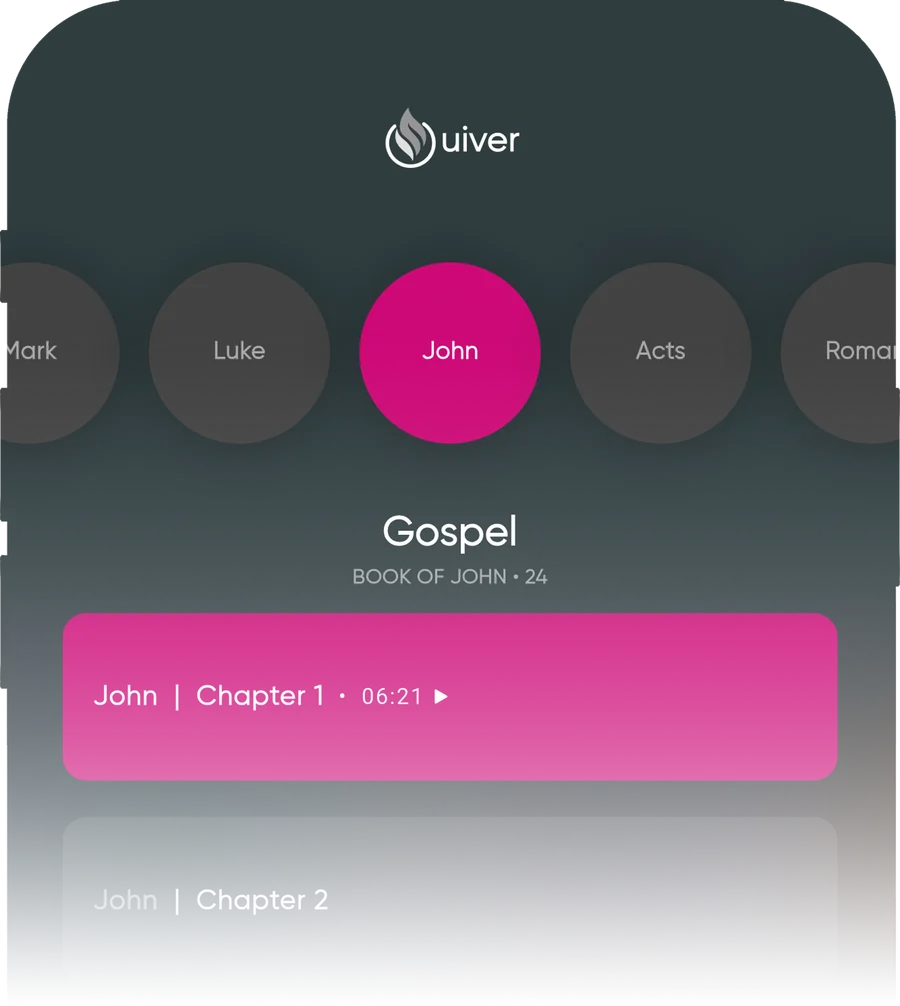
Quiver audio player showing the Gospel of John, Chapter 1

Open to John. Press play.

Scroll through the books, choose a chapter and listen. Each chapter shows its length up front, so you can fit it into a commute, a walk or the last ten minutes of your day.

  • Browse by book and pick any chapter
  • See chapter length before you start
  • Follow along from chapter to chapter

Bible clubs for every kind of learner.

Not everyone studies the same way. Choose a club that fits how you like to dig in, and learn alongside other people.

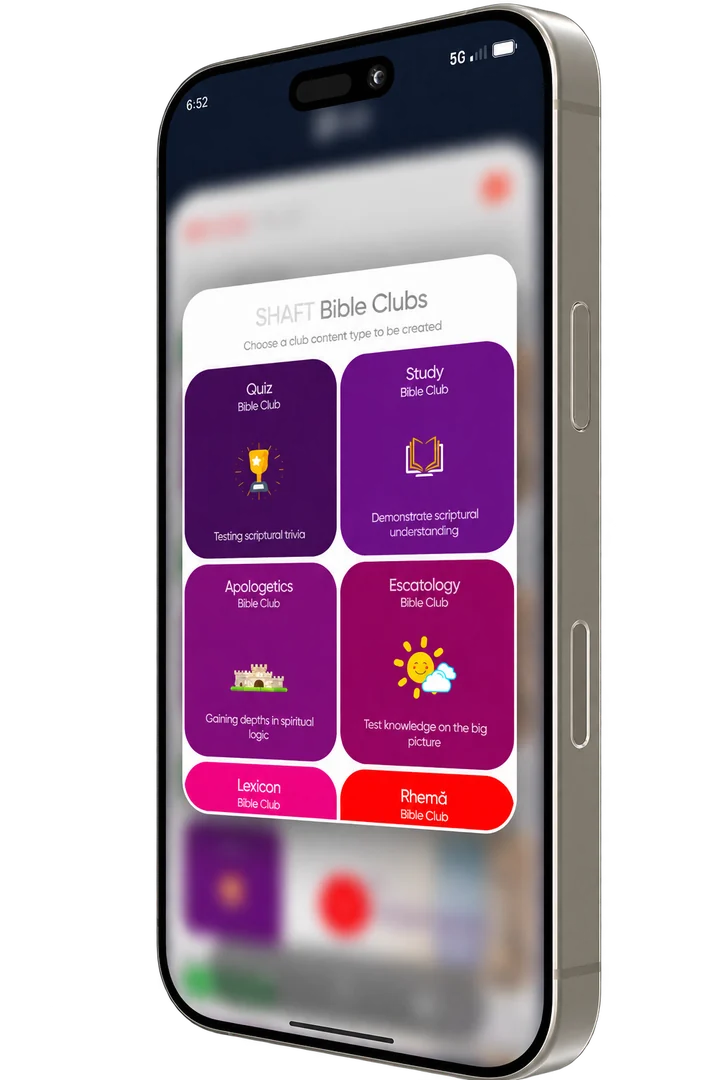
Quiz
Test what you know and learn what you missed.
Study
Work through Scripture in small, focused steps.
Apologetics
Get ready to explain why you believe what you believe.
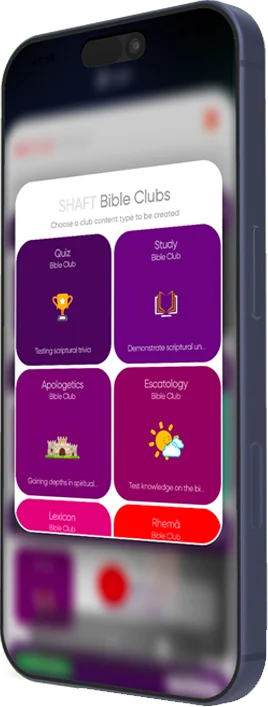
Quiver Bible Clubs screen showing Quiz, Study, Apologetics, Eschatology, Lexicon and Rhema clubs
A Quiver Teens member in a pink Quiver Teens shirt, holding her headphones

Quiver Teens

A place for teenagers to hear the Word, ask questions and grow in faith with people their own age.

Download Quiver

Get Quiver on your phone

Choose your store to download.

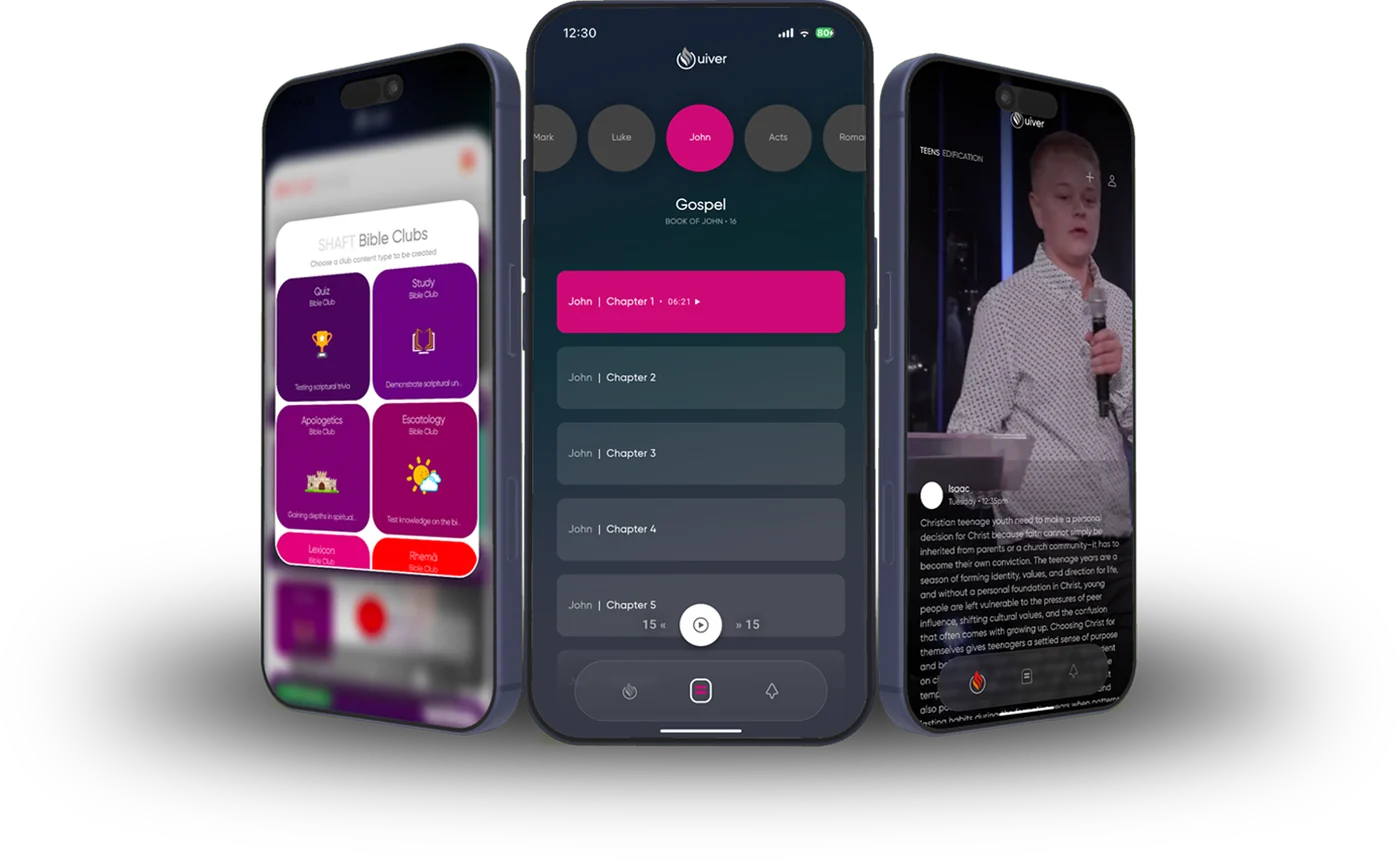
Three phones showing the Quiver app: Bible clubs, the audio player and a sermon